

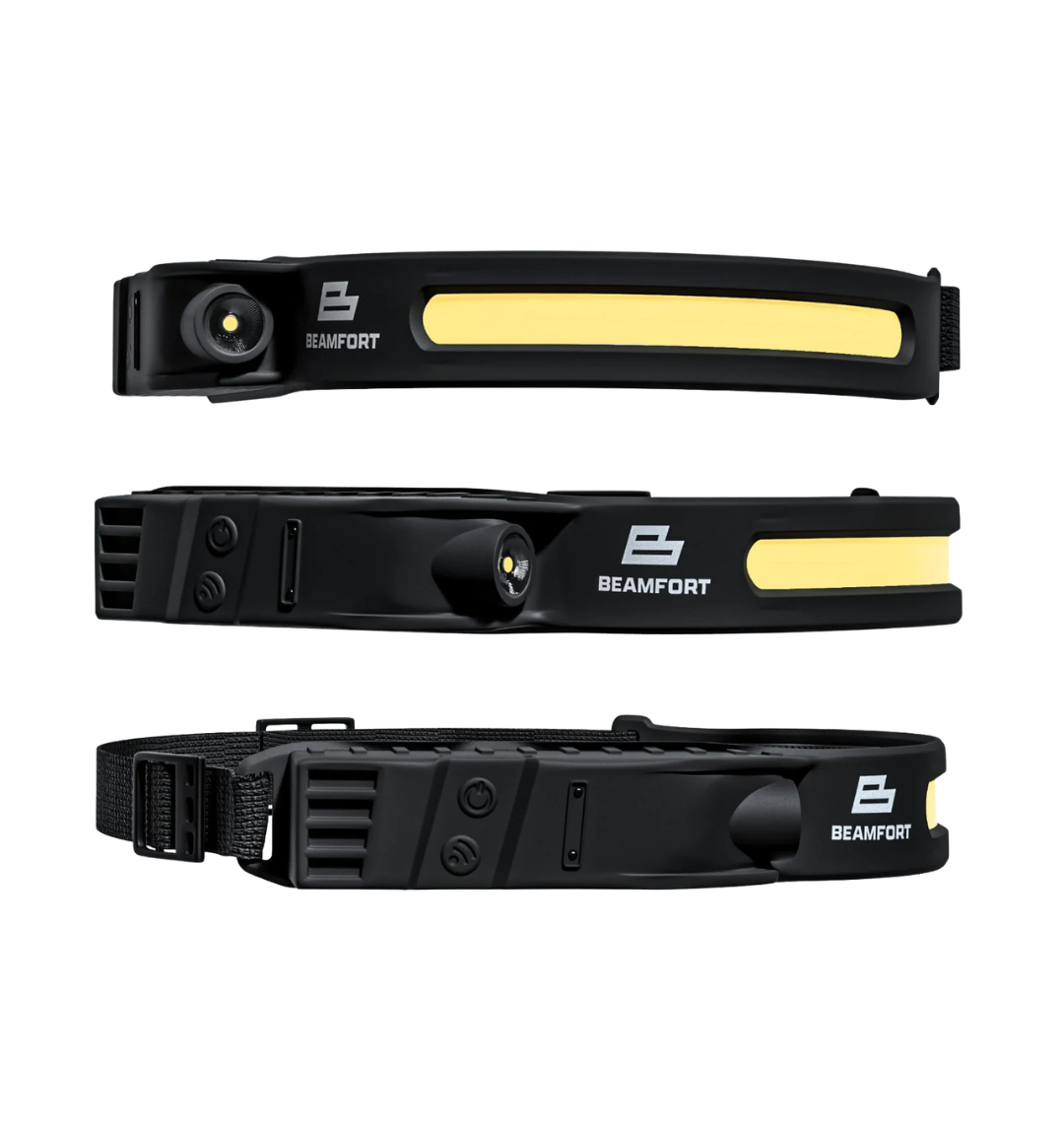
The safest way to charge a rechargeable headlamp is to follow its manufacturer instructions, charge it at room temperature on a hard surface where you can see it, keep it away from bedding and other heat-trapping materials, and stop using it if the battery or housing shows damage. For a USB-C headlamp, also check that the cable and power source are in good condition before connecting them.
Charging is simple, but a few habits help protect the battery, the charging port and the space around it. This guide explains a practical routine for the Beamfort Pro COB Headlamp and other rechargeable headlamps.
1. Inspect the headlamp before charging
Before plugging it in, look over the headlamp, cable and USB-C port. Do not charge the light if the housing is cracked, the battery area appears swollen, the cable is frayed, the connector is bent, or the device has an unusual smell or visible heat damage.
Health Canada’s lithium-ion battery guidance advises against using batteries that are swollen, dented or otherwise damaged. If a rechargeable light has been crushed, modified or exposed to severe impact, stop using it until the manufacturer or a qualified service provider can advise you.
2. Make sure the charging port is dry
Water resistance does not mean a wet charging port is ready to use. If the headlamp has been used in rain, splashed or cleaned, disconnect it from power and let the light and port dry completely before charging.
The Beamfort Pro is rated IPX4 for splash resistance, but that rating does not make it waterproof or suitable for charging while wet. Our guide to what IPX4 means on a headlamp explains the difference between splash resistance and immersion protection.
3. Choose the right charging location
Charge the headlamp at room temperature on a hard, stable surface with airflow around it. Keep it away from beds, couches, pillows, blankets, paper piles and other materials that can trap heat or burn. Do not place the charging light where it blocks a doorway or escape route.
Health Canada recommends charging lithium-ion devices where you can see them and away from soft surfaces. That makes a workbench, countertop or shelf a better charging location than a tool bag, closed drawer or upholstered seat.
4. Use a compatible power source and sound cable
The Beamfort Pro charges through USB-C and includes a USB-C charging cable. Its live product instructions allow charging from a compatible wall adapter, laptop, car charger or power bank. Compatibility still matters: use a reputable power source intended for USB charging, and replace any cable with damaged insulation, loose ends or a connector that no longer fits correctly.
For replacement wall adapters in Canada, Health Canada recommends checking that the voltage and current are compatible with the device and looking for a recognized Canadian certification mark such as CSA, cUL or cETL. Do not assume that an unknown charger is suitable simply because the plug fits.
5. Keep the port and connector straight
Insert the USB-C connector without forcing or twisting it. If it does not seat normally, remove it and inspect the port for dirt or damage. Do not use metal tools inside the charging port.
Place the light so the cable is not pulled sideways and cannot be snagged by a person, drawer or tool. Repeated side-loading can damage a connector even when the cable still appears usable.
6. Stay nearby and disconnect when charging is complete
Follow the product’s charging indication and manufacturer instructions. Avoid leaving a rechargeable headlamp charging unattended overnight. When charging is complete, disconnect the cable rather than leaving the light connected indefinitely.
During charging, stop immediately if the headlamp becomes excessively hot, swells, leaks, smells unusual, changes shape or makes hissing or popping sounds. Move away from the area and contact emergency services if there is smoke or fire. Do not resume charging a device that has shown these warning signs.
7. Let a cold or hot headlamp return to room temperature
A headlamp left in a freezing vehicle or direct summer sun should not go straight onto a charger. Bring it indoors and allow it to return to room temperature first. Avoid charging in direct sunlight or near a heater.
This is especially useful for lights carried in a glove box, service van, backpack or unheated garage. Temperature can affect both charging behavior and battery life, so the charging location matters as much as the connector.
8. Match charging habits to the runtime you need
The Beamfort Pro uses a 2000mAh rechargeable 18650 lithium-ion battery. Its verified operating times are approximately 2.5 hours on the 500-lumen COB high mode, 6.5 hours on the 150-lumen COB low mode, 15 hours on the 55-lumen SMD high mode and 36.5 hours on the 15-lumen SMD low mode.
Charge before a long job or trip instead of assuming the light is full. When maximum brightness is unnecessary, a lower mode can extend useful runtime substantially. See how rechargeable headlamp runtime works for a mode-by-mode explanation.
A simple charging checklist
- Inspect the headlamp, battery area, cable and connector.
- Confirm the light and USB-C port are completely dry.
- Use a compatible, reputable USB power source.
- Charge on a hard surface at room temperature.
- Keep the light visible and away from soft or flammable materials.
- Do not charge unattended overnight.
- Disconnect when charging is complete.
- Stop using the light if you notice swelling, damage, unusual heat, odour or noise.
Charging a backup light
If you carry more than one light, stagger their charging so one remains available. The Beamfort Pocket Light is also USB-C rechargeable and works as a compact companion light for close-range tasks. Charge each device according to its own instructions rather than assuming every USB-C light has the same battery or charging requirements.
A safe routine is straightforward: inspect, dry, charge on a hard surface, stay nearby and disconnect when finished. Those habits help keep your rechargeable lighting ready without treating the charging process as an afterthought.
Safety note: This article provides general charging guidance. Follow the instructions supplied with your specific product and applicable local electrical and fire-safety requirements.
How to Light Under a Dashboard for Car Repairs
Best Headlamp for Snow Shoveling at Night